Miraiyug - Component Test Suite
All implemented components and demos
Video Hero
Main hero section with video background and centered content
Connecting industrial needs with custom-engineered solutions.
Automation, and intelligent digital transformation.
3D Card Demo
Interactive 3D cards with hover effects - 3 cards side by side
Custom software solutions built with modern technologies and best practices
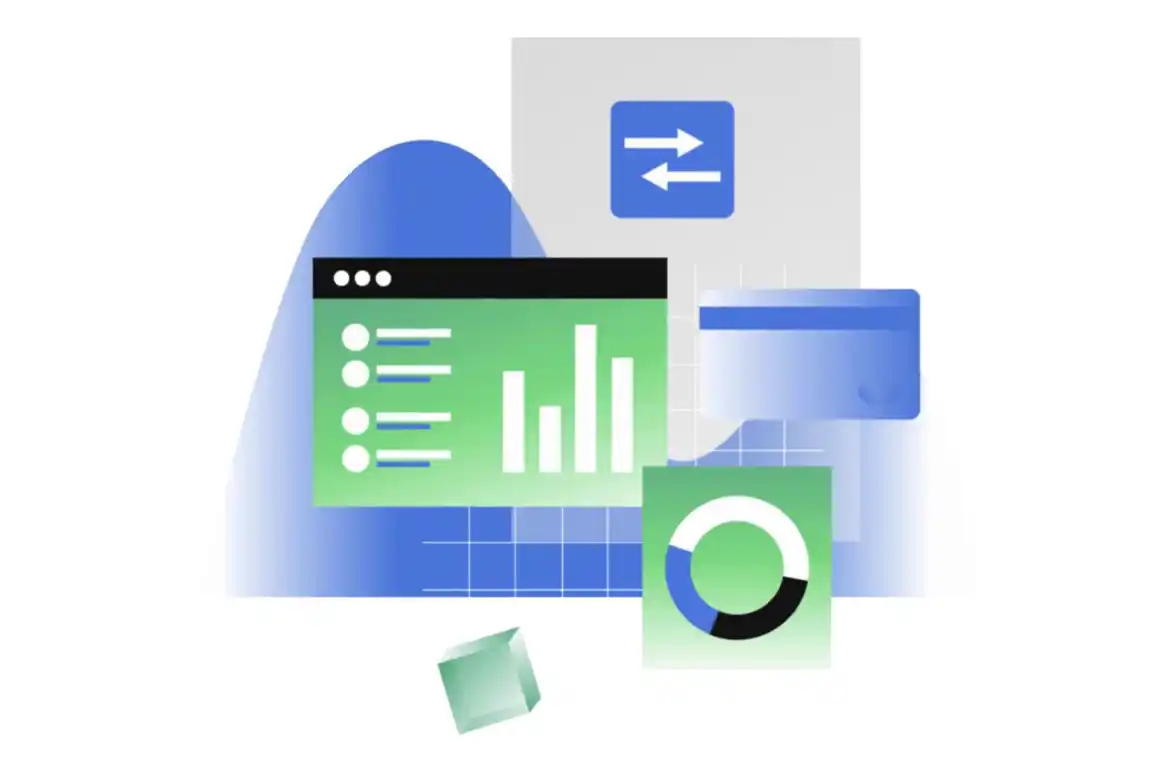
Advanced robotics systems and automation solutions for industrial applications
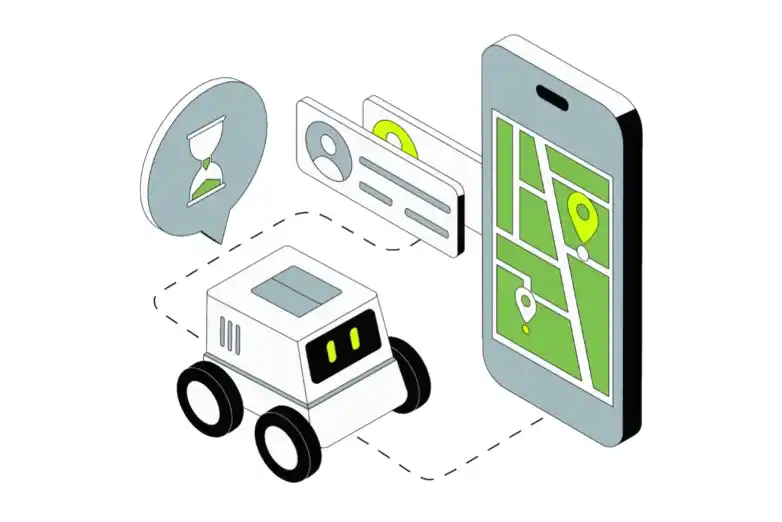
Intelligent automation systems powered by artificial intelligence and machine learning


Background Boxes Demo
Animated background boxes effect
Tailwind is Awesome
Framer motion is the best animation library ngl

Wobble Card Demo
Interactive wobble cards with hover effects and responsive grid layout
Miraiyug AI powers the entire universe
With over 100,000 monthly active users, Miraiyug AI is the most premium AI platform for developers.
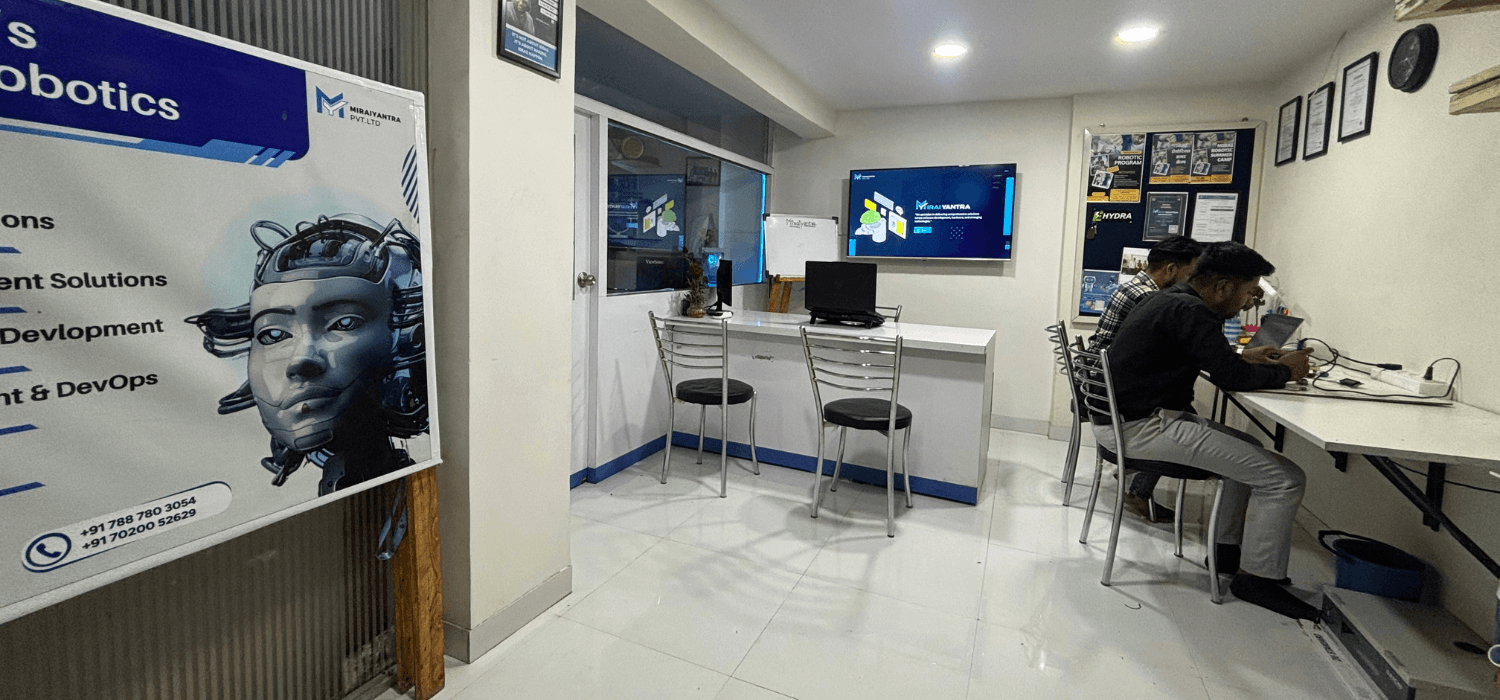
Premium quality, no compromises.
If you demand excellence, premium service, and cutting-edge technology, you've found it.
Signup for blazing-fast cutting-edge state of the art Miraiyug AI platform today!
With over 100,000 monthly active users, Miraiyug AI is the most premium AI platform for developers.
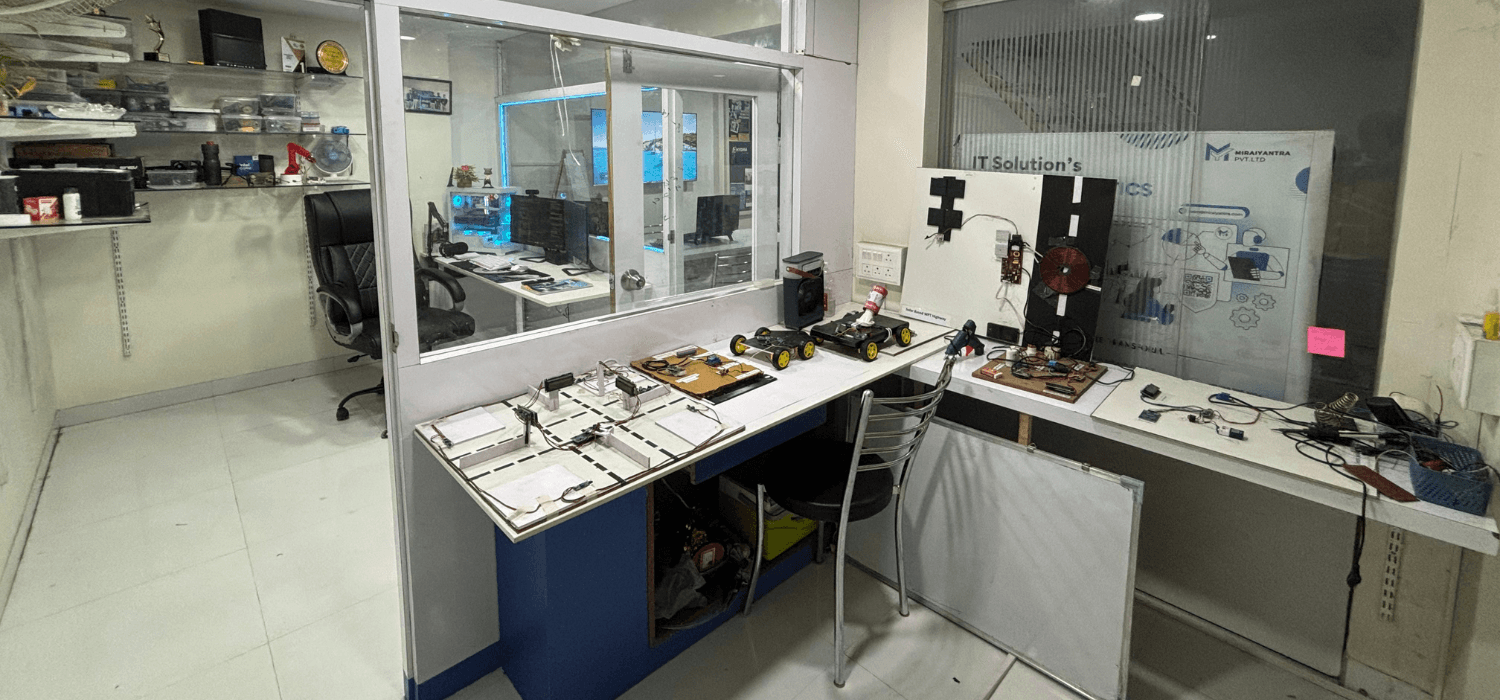
Lamp Demo
Lamp effect with animated text
Welcome to Miraiyug
Build amazing websites
Text Effects
Various text animation effects
Typewriter Effect
The road to innovation starts from here
Text Hover Effect
Custom Text Hover Effect (MIRAIYUG)
Flip Words Effect
websites with Aceternity UI
Component Status
✅ Implemented
- • Video Hero with centered content
- • 3D Card Demo (3 cards)
- • Background Boxes Demo
- • Macbook Scroll Demo
- • Wobble Card Demo
- • Lamp Demo
- • Typewriter Effect
- • Text Hover Effect
- • Custom Text Hover Effect
- • Flip Words Effect
🔧 Features
- • Responsive design
- • Hover animations
- • Video background
- • Interactive elements
- • Modern UI components
- • Smooth transitions
📝 Notes
- • All components from Aceternity UI
- • Customized for Miraiyug theme
- • White theme implemented
- • Video hero optimized
- • Ready for production
How to Add New Components
Steps to add a new component:
- Create your component in
src/components/ - Import it at the top of this file
- Add a new section below with the same structure
- Update the Component Status section
- Test the component in this page